Wednesday, 5 December 2018

4 easy steps to dealing with a high bounce rate

Bounce rate basically refers to single-page visits by users who don’t want to explore your site further. One thing’s for sure, a high bounce rate is not exactly a good thing to have.

Not only does it decrease your website SEO score, it also indicates lost opportunities. If visitors keep “bouncing” off of your page, your business website won’t be meeting its conversion targets.

So, how can you keep your bounce rate low? Let’s look at these simple steps:


  1. Do a content audit

The first step to treating a high bounce rate is to gather all your content resources. Using a spreadsheet, list all your web pages, sales collateral, and blog articles along with their URLs. Review each resource and see if your pages are relevant to your target audience. This step is crucial as this will make it easier to calibrate your content strategy to better resonate with your target audience.


  1. Improve content readability

One reason your website it unable to retain visitors is the issue of readability. Does your website have content with extensive paragraphs? Does the design and formatting make it difficult to understand the text? If you say yes to all this, then you will need to re-edit your content and revamp your formatting for better readability.

The principle here is to make your content scannable. Web visitors want information delivered to them in easily digestible chunks, so long sentences and even longer paragraphs just won’t cut it. You will also need to increase the impact of your messaging by using simple sentence structures. Not sure if your content is readable online? Use plugins such as Yoast, which gives suggestions on clear, concise, and powerful writing.


  1. Reduce your loading speed

Visitors won’t stay long if your webpages take forever to load. As much as you want your website to have a great design, you still need to ensure that your site won’t take more than three seconds before everything is loaded.

One solution to this is to reduce the number of HTTP requests. You can do this by simplifying or combining your source code. You can also reduce external scripts, if there are any. If your website is heavy on images, make sure to use an image compression tool. This will make your site lighter, allowing it to load faster.


  1. Update your keyword strategy

Another reason why your site isn’t getting valuable visits is an outdated keyword strategy. Businesses should be able to update their list of keywords whenever new search algorithms are announced. Just ask the top SEO firms from BestSEOCompanies.com to know how important it is to update your keyword strategy once in a while.

For this, make sure to use keyword research tools to generate a list of high-value keywords that will improve your organic traffic. Tools such as SpyFu are great for competitor keyword analysis.

A high bounce rate can impact your business website performance significantly if you treat it as an afterthought. Using these steps, you can get longer page sessions and, more importantly, generate more business.

The post 4 easy steps to dealing with a high bounce rate appeared first on TheMarketingblog.


from TheMarketingblog http://www.themarketingblog.co.uk/2018/12/4-easy-steps-to-dealing-with-a-high-bounce-rate/

Use My Data, But Don't Abuse It [The Customer Code Series]

Companies that use data effectively have made my life so much easier.

I used to call a cab and explain my location, now Lyft just detects where I am and lets my driver know.

I used to manually program my phone so it could tell me who was calling, now my phone looks at my email contacts and just tells me (or makes a pretty good guess).

I can’t imagine running my business without data, and today I take an abundance of dashboards and charts for granted.

I want companies to use my data, when they do the end result is that my life becomes a little easier, a little more convenient, I’m able to get more done in a day.

But I don’t want companies to abuse my data.

Spammy emails. Sloppy data storage. Eerily targeted ads. Data that is collected without my permission. That’s data abuse.

The fourth tenet of The Customer Code is: Use my data, but don’t abuse it. I give HubSpot a 9 out of 10 on this. This is one of our highest scores, and there are three reasons for this:

1) We are sticklers about doing the right thing when it comes to protecting our customers’ data.

To some extent data protection can be solved with money and time, which we have done, investing money and human hours in data infrastructure and security.

We’re thoughtful in how we build the architecture of our software–from the way our Sales Hub products connect to customers’ email accounts, to the SSO implementation that allows seamless (and safe) transition across portals.

We made the decision to apply GDPR principles globally, meaning that regardless of a customer’s location, we will apply the principles around fairness, transparency, and data portability.

But where I see our team really standing out is that we have optimized for fast resolution of vulnerabilities. There is no vulnerability-free software, and attempting to achieve that often slows the pace of innovation. Instead, we’ve invested in testing: in-house testing, four annual penetration tests, continuous vulnerability scanning, and a bug bounty platform. Our team is able to identify, prioritize, and resolve bugs quickly and efficiently.

2) We are sticklers about helping our customers do the right thing when it comes to protecting their customers’ data.

We’re big fans of GDPR, which aligns very nicely with the philosophy of inbound.

Earlier this year, we released a set of features that make it easy for our customers and their teams to comply with GDPR and other data privacy regulations. These features are made available to all HubSpot customers.

3) We want to make our customers’ lives easier by helping them use data to make their customers’ lives easier.

HubSpot customers are growing businesses, many of whom have more impactful things to do than figure out a full AI integration.

Our team is doing the work to figure out when, where, and how growing businesses can leverage AI:

  • Our content strategy tool in Marketing Hub uses machine learning to understand the themes that search engines associate with your content.
  • In the Sales Hub, we launched a send time optimization tool that gets your emails to the right person at the right time.
  • Our machine learning team is currently building automated A/B testing that will run in the background, quietly optimizing campaign performance.

HubSpot stores an enormous amount of data for our customers. We want to protect that data, help our customers derive value from it, and put a stop to all forms of data abuse.

Data is a powerful tool that can be used for good, evil, or just general annoyance. Companies that choose to abuse customer data can certainly grow. But companies that protect data and use it thoughtfully to make customers’ lives just a little bit easier, grow better.

This post is part 5 of 11 in a series on HubSpot’s Customer Code. You can find more info on The Customer Code and how we score ourselves here, and watch my INBOUND talk on this topic here: 


from Marketing https://blog.hubspot.com/marketing/use-my-data-but-dont-abuse-it

Unriddled: Youtube Removes a Paywall, a Farewell to Google Hangouts, and More Tech News You Need

"Unriddled" is HubSpot's weekly digest of the tech headlines you need to know. We give you the top tech stories in a quick, scannable way and break it all down. It's tech news: explained.

Unriddled: The Tech News You Need

1. YouTube to Remove Its Original Programming Paywall

Fans of YouTube Originals, rejoice: The video-sharing platform says it will no longer keeps its premium shows behind a paywall, and will instead move them to an ad-supported model. According to Variety, this program will be available for all to view for free -- or, at least, available for the cost of having commercials. The change comes alongside a move to also create more original scripted series, moving the focus from "YouTube celebrity" content to that with traditional stars or celebrities. Read full story >>

2. Goodbye, Google Hangouts

According to 9to5Google, rumor has it that the consumer-facing version of Google Hangouts will no longer be available after 2019 -- which, the story says, is not exactly a surprise "since Google essentially ceased development on the app more than a year ago." However, it appears that enterprise versions of Hangouts will still be available, by way of such features as Hangouts Chat (built to resemble workplace chat and productivity platform Slack) and Hangouts Meet (a video meeting tool). Read full story >>

3. Instagram Unveils "Close Friends"

In a reminder that the app is owned by Facebook, Instagram has introduced a new feature allowing users to build customizable lists of "close friends" -- with whom they can exclusively share Story content. The new feature is an addition to previous options to share Story content with either all followers or select people who had to be selected individually -- and could be reflect ongoing cries for improved privacy on social media.

"Our community has grown," the company says in its official announcement, "and sometimes what you want to share isn’t for everyone." Read full story >>

4. Amazon Is Testing Bigger, Better (?) Cashierless Stores

Amazon is reportedly testing its cashierless technology in larger store formats, leaving many wondering if it's planning to bring this feature to Whole Foods -- a natural grocery chain that it owns. Amazon currently operates a handful of somewhat small cashierless Go stores within the U.S. (here's what happened when we visited one), and according to TechCrunch, the company is piloting cashierless features in a larger retail space within Seattle, where it's currently headquartered. Read full story >>

5. What Does a World With Zero Search Results Looks Like? 

Google has officially shown us what a world of zero search results might look like -- where the search engine will provide a single answer to such queries as, "What time is it in New York?" without displaying any other search results. What's the impact, and what do users think? Read full story >>

6.  Looking Back on Facebook's Murky 2018: Here's Why Users Are Sticking Around 

Facebook has arguably weathered some of the worst storms in its history over the past year. But with every new report of a scandal, users stick with the social network. We wanted to know, after a checkered 2018 -- what's keeping users around? Read full story >>

7. What You Missed Last Month in Google

With the early days of December upon us, catch up on the top stories from Google that you may have missed last month. Read full story >>

8. Are More People Getting Their News Online Than on TV? The Answer May Surprise You

New research says that when it comes to getting the news, most people prefer to watch it (rather than read or listen to it) -- and that they prefer to do so on TV, not online. What's behind this preference, and how will it trend? Read full story >>

9. These Were Our Top 10 Tech News Stories of 2018. Here's What They Say About Next Year's Trends.

2018 was a pivotal year for the tech industry. Here's a look at our top 10 tech news stories from this year. Read full story >>

Featured image source: YouTube


from Marketing https://blog.hubspot.com/marketing/youtube-removes-paywall-goodbye-google-hangouts-tech-news

The Ultimate List of Free Photoshop Brushes

If you often use Photoshop for design projects, it's critical you have a collection of high-quality Photoshop brushes at your disposal. Brushes can save you time while ensuring consistency across various projects.

But finding the perfect brushes to meet your needs can be difficult, and when you do find brushes you like, you might not have the budget to purchase them.

Explore Adobe Photoshop CC basics through quick tips, video explainers, and custom photo filters here.

To ensure you have a ready-to-go collection of free Photoshop brushes whenever you need them, we've compiled a list of the 25 best free ones. Take a look.

Disclaimer: While some of these are free for both commercial and personal use, others might only be free for personal use. Double check with the guidelines from the page on which the download is available. Additionally, some of these are only available in exchange for a free email subscription.

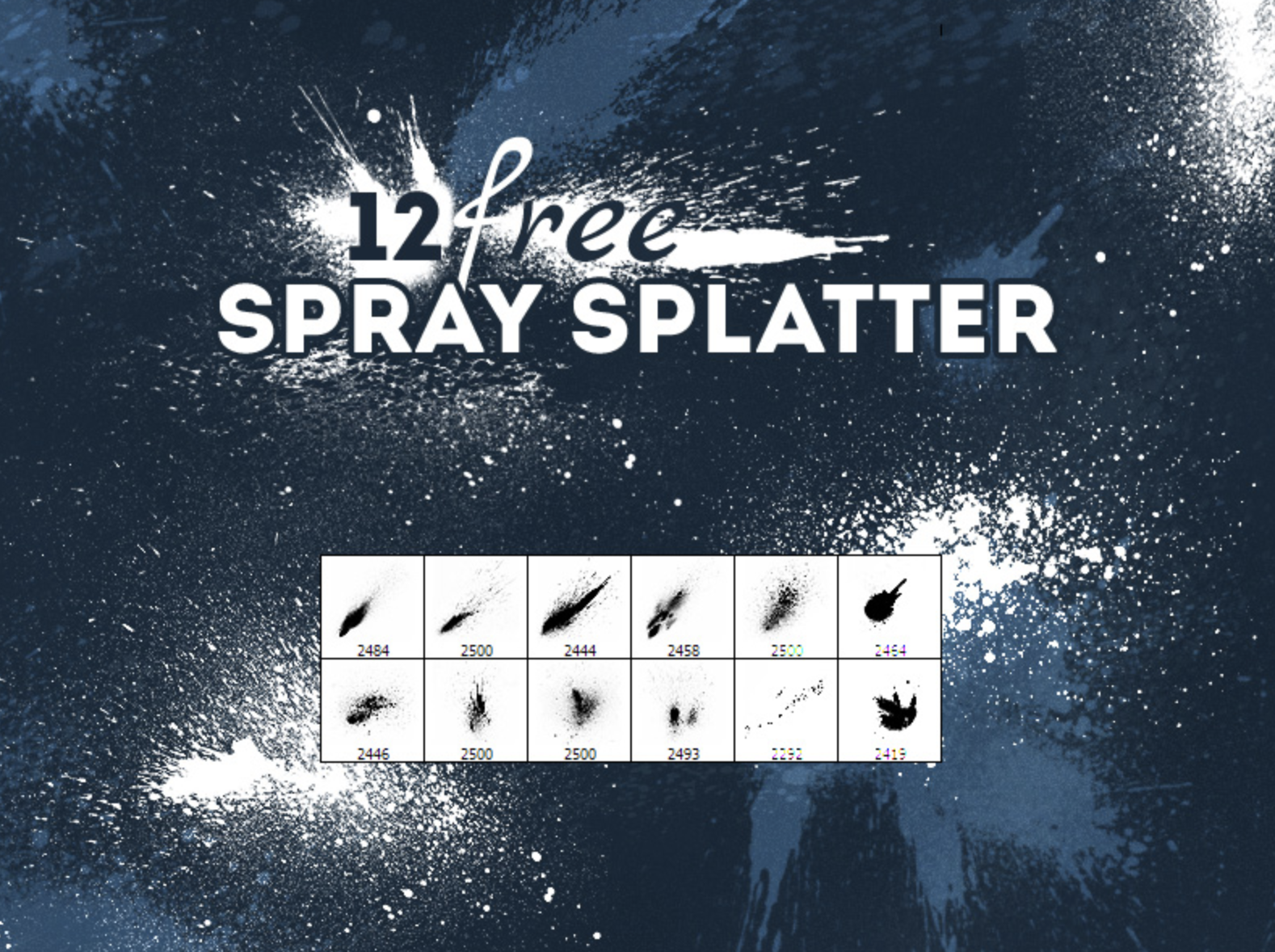
1. Free Spray Splatter Photoshop Brushes

2. 25 Watercolor Photoshop Brushes

3. Photoshop Brushes by Sakimichan

4. Pencil Box by Mawgallery

5. RetroSupply Brush Sampler Pack

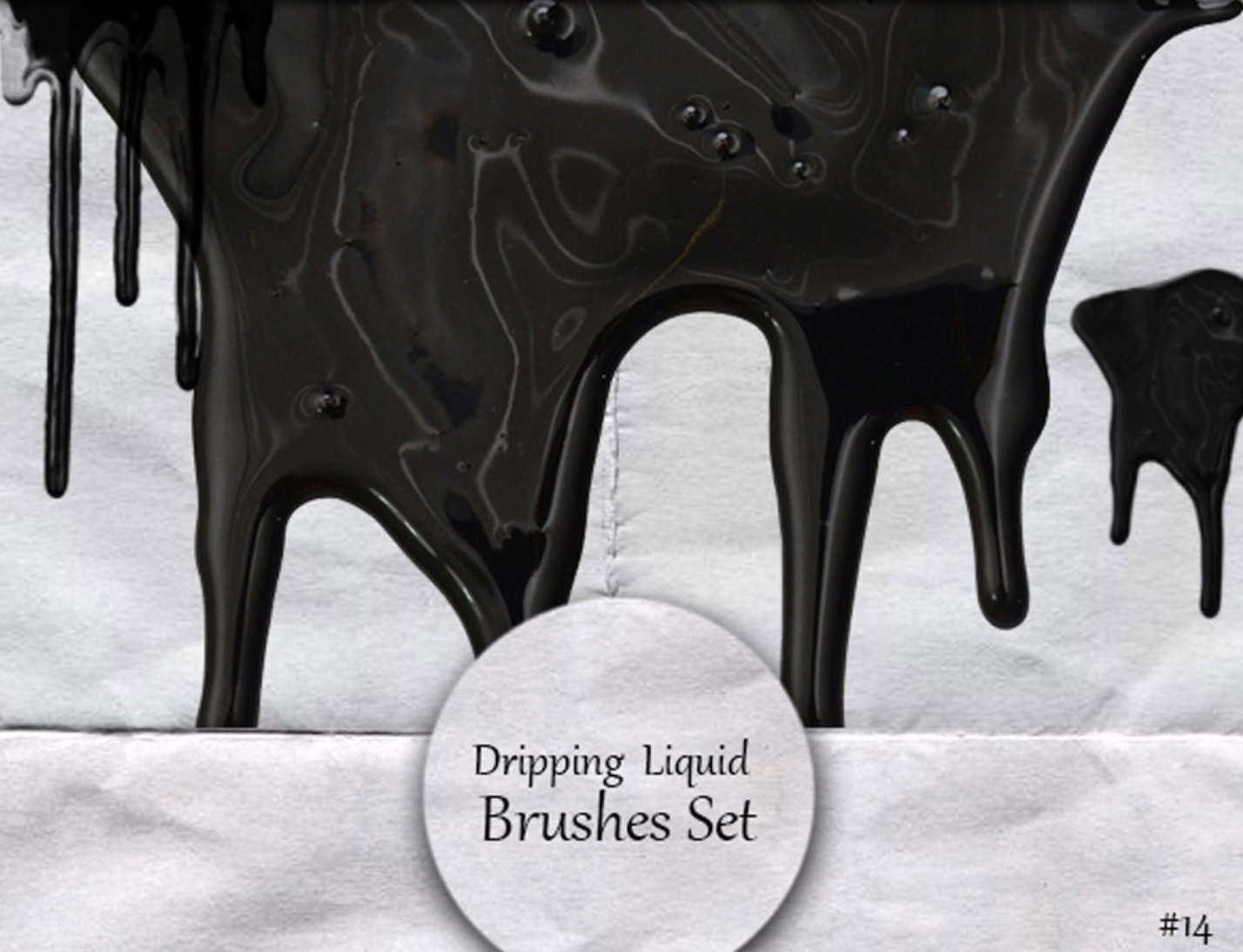
6. 14 Dripping Liquid Brushes by Lilithdemoness

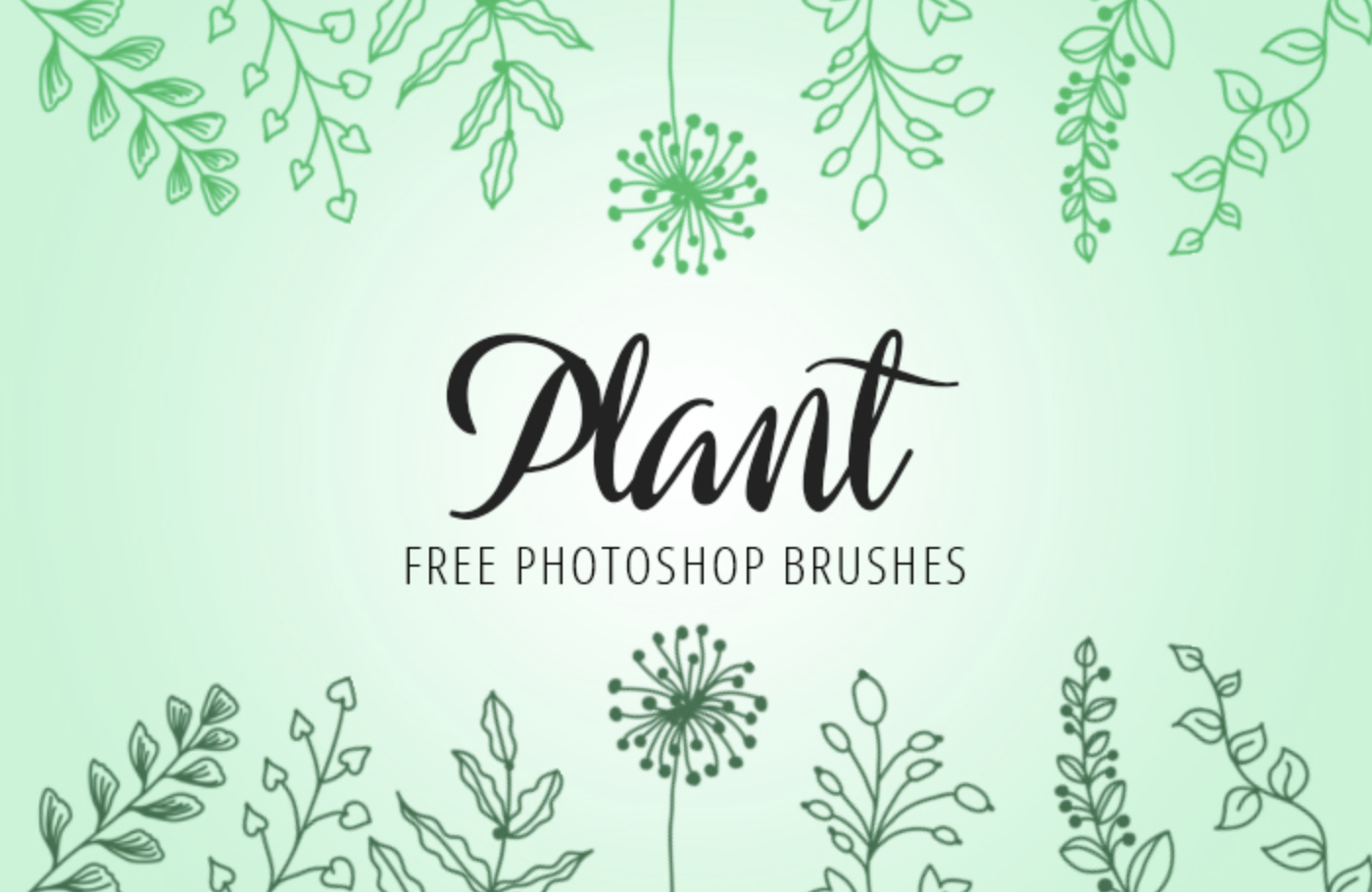
7. Photoshop Plant Brushes by FixThePhoto

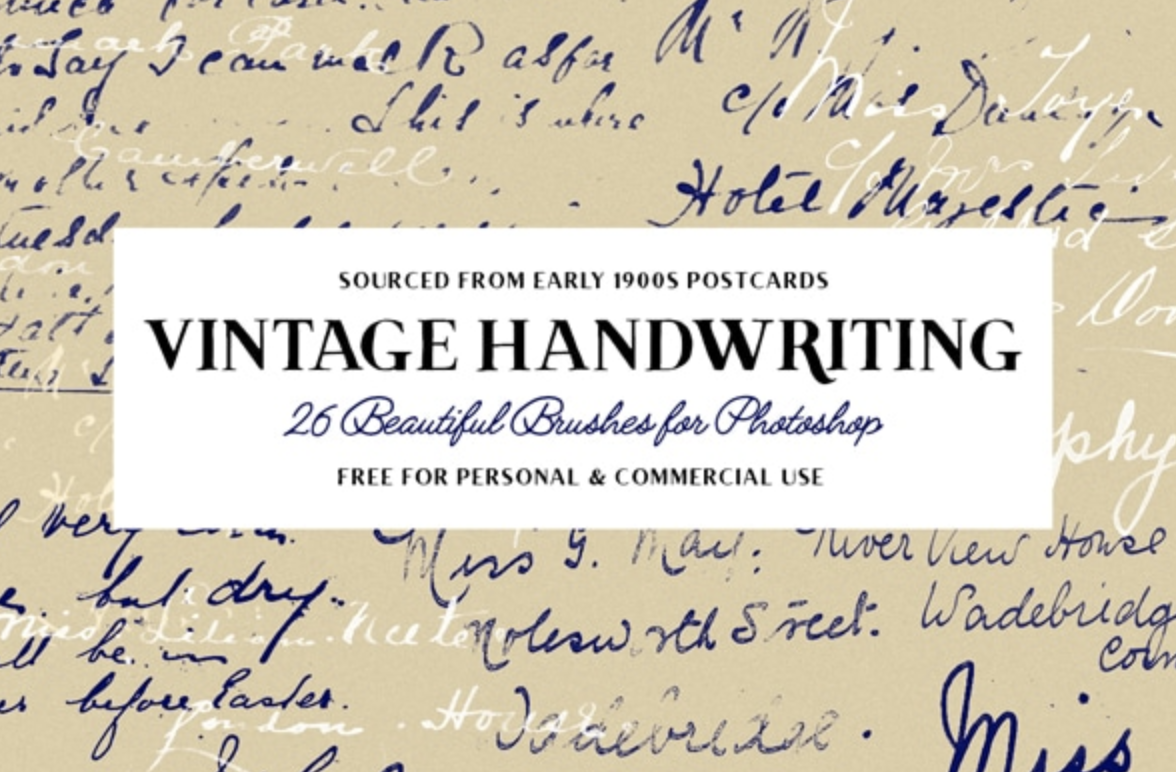
8. 26 Vintage Handwriting Brushes by Tom Chalky

9. Feathers and Birds Brushes by Discopada

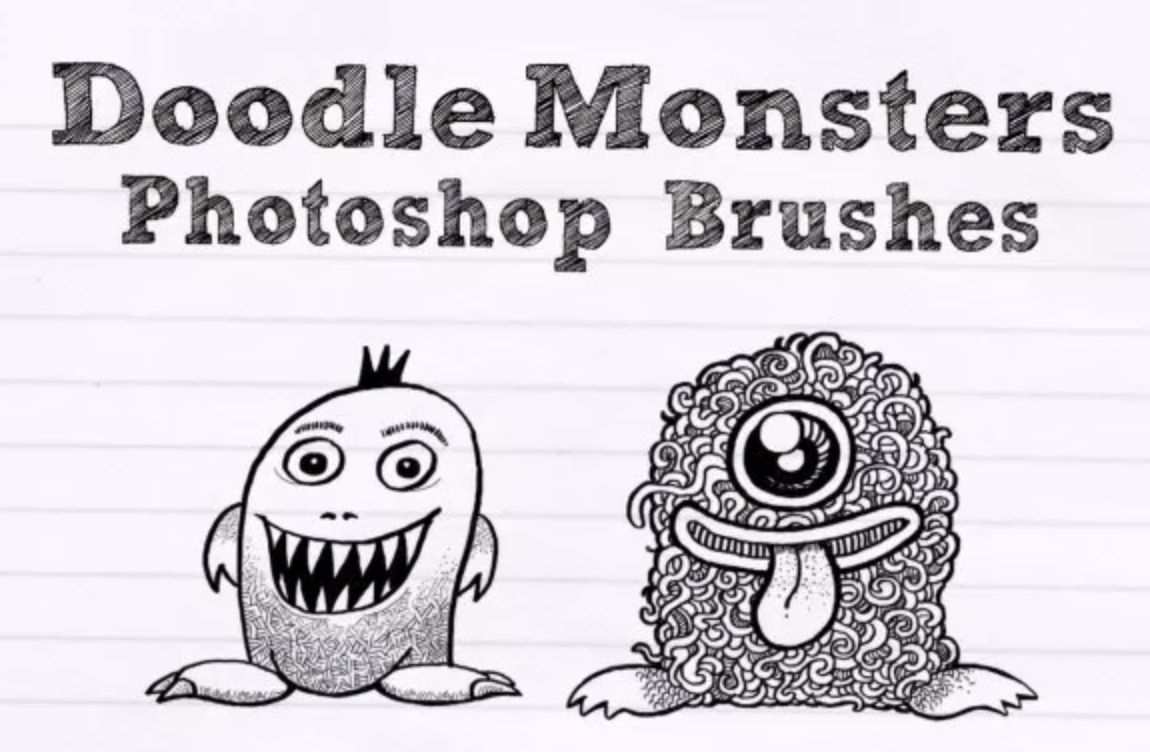
10. Doodle Monsters by UCreative

11. 12 High-Resolution Shattered Glass Photoshop Brushes by UCreative

12. Realistic Charcoal Brush by WojtekFus

13. 12 Real Markers Essentials by Eilert Janßen

14. Spray Paint High-Res Free Photoshop Brush Set by Creative Nerds

15. 80 Free Hand Drawn Arrow Brushes by Designer Candies

16. 12 Large Bokeh Brushes by Photoshop Tutorials

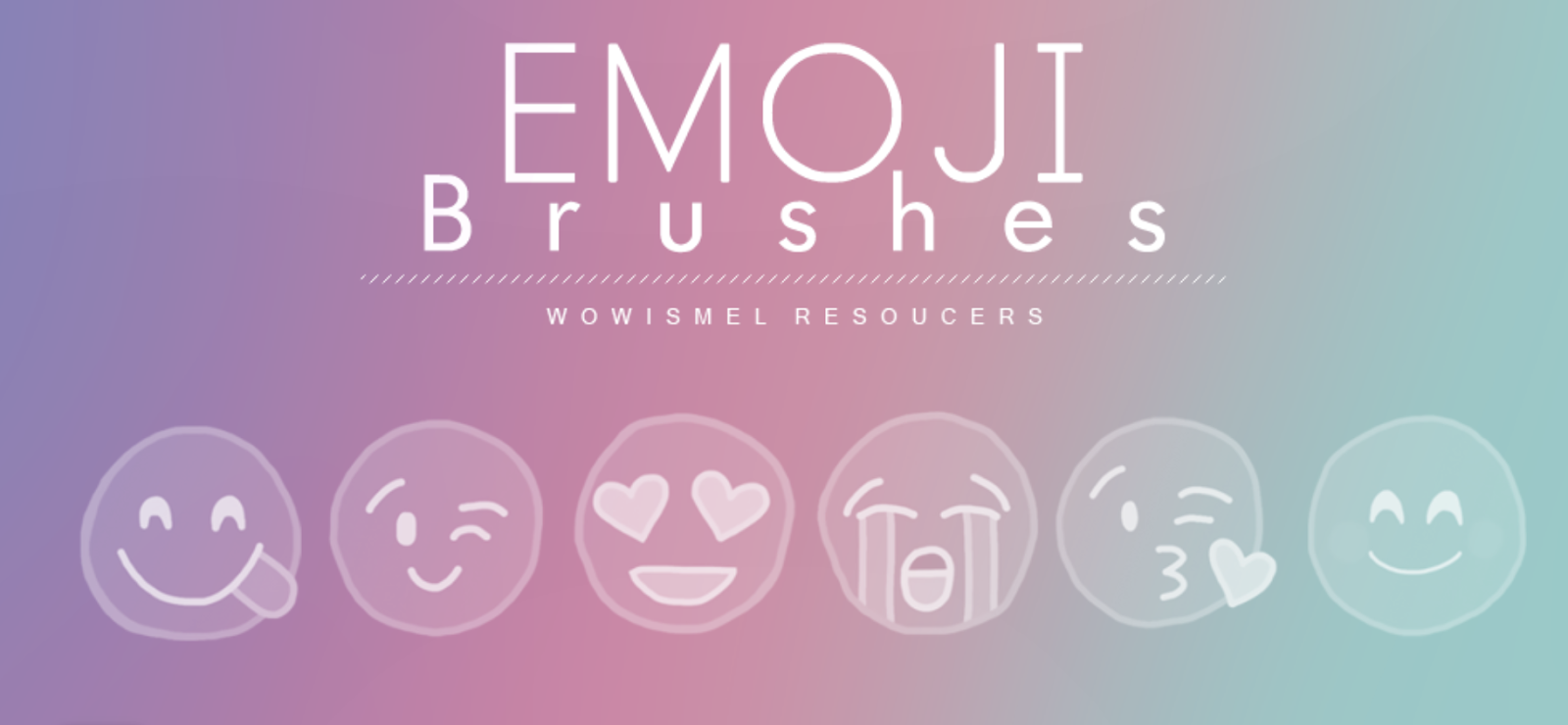
17. Emoji Brushes by WowisMel

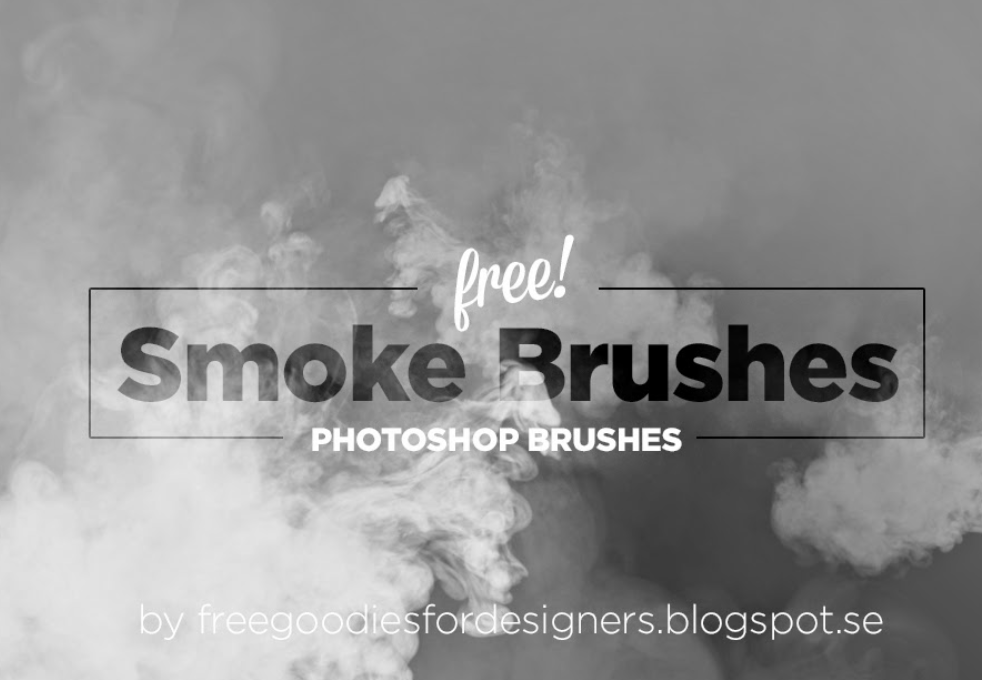
18. Free Hi-Res Smoke Photoshop Brushes

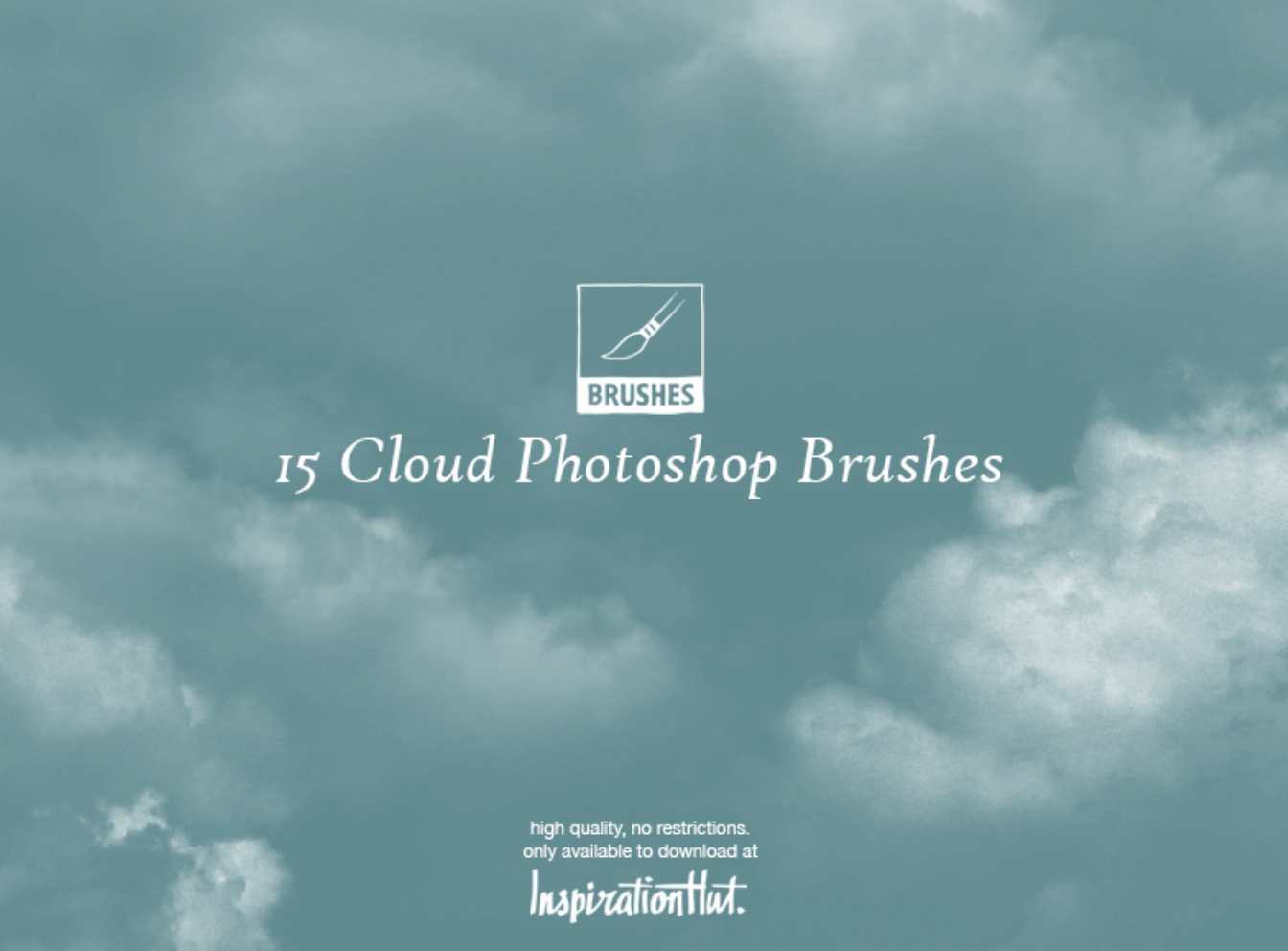
19. 15 High Quality Cloud Photoshop Brushes by Inspiration Hut

20. 11 Water Splash Photoshop Brushes

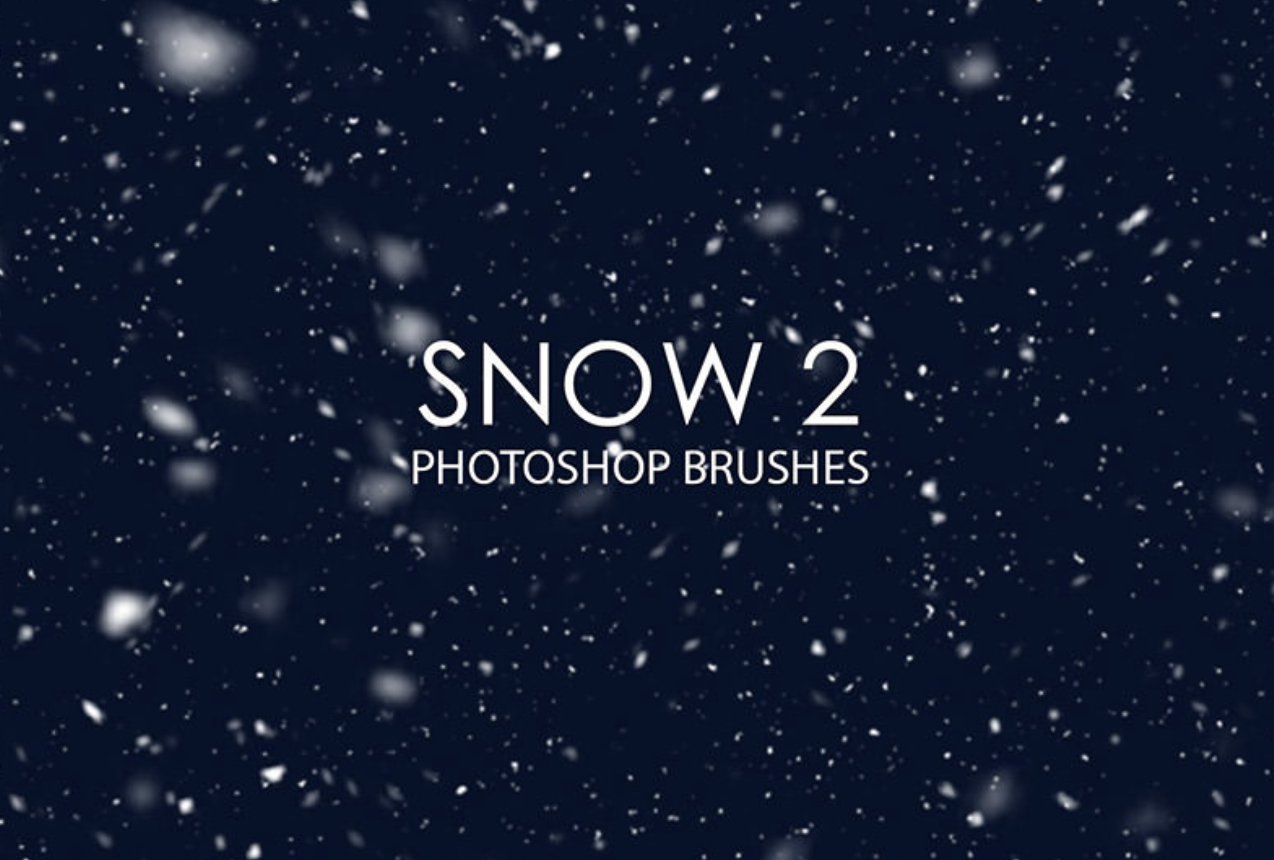
21. Free Snow Photoshop Brushes 2

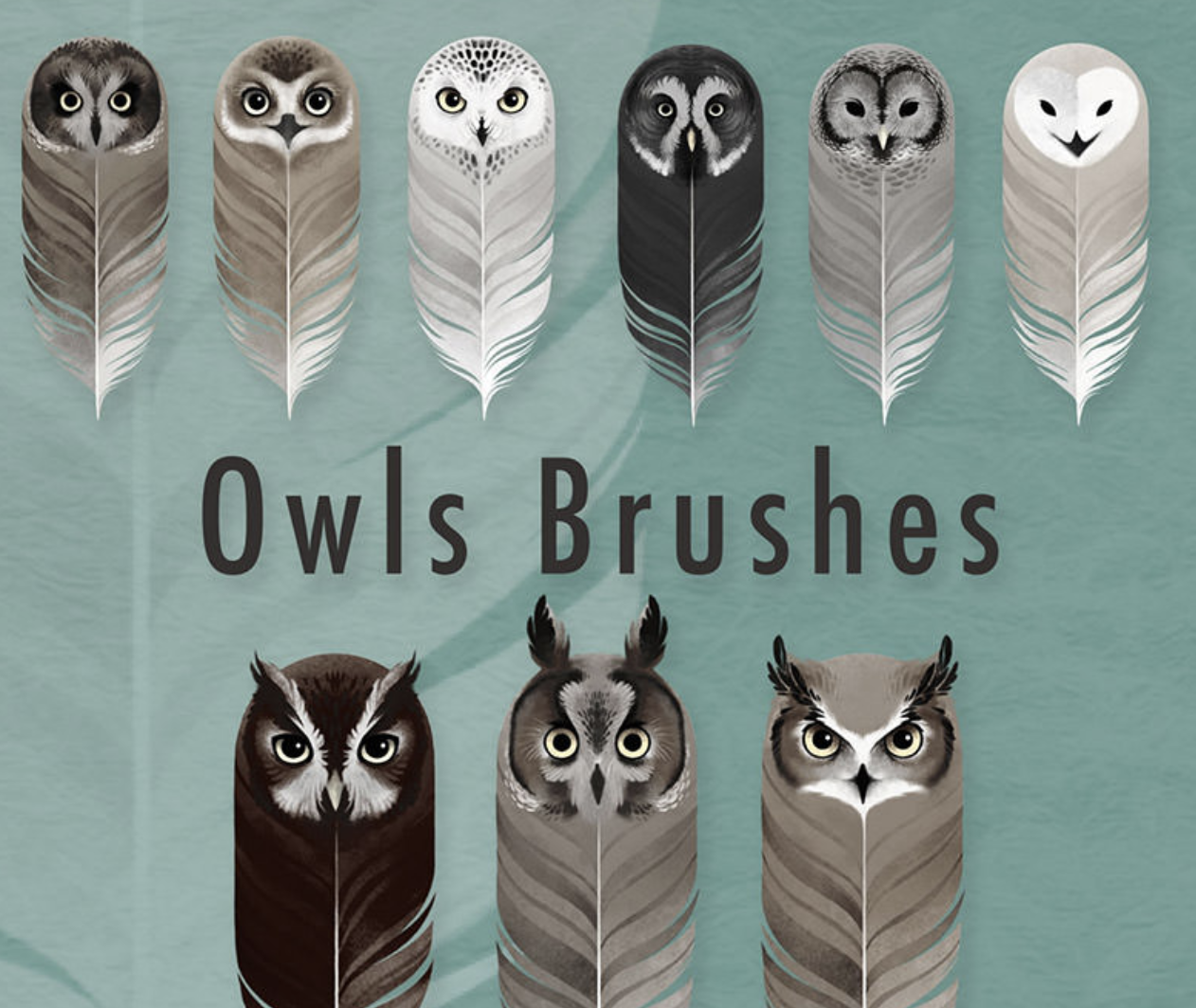
22. 9 Owls Brushes by Sash B.

23. Palm Trees Brushes for PS by Pinkonhead

Screen Shot 2018-12-03 at 3.49.52 PM

24. Skin Textures Brushes by Stephanie Shimerdla

25. Texture Photoshop Brushes by Redheadstock

Marketer's Guide to Photoshop


from Marketing https://blog.hubspot.com/marketing/photoshop-brushes

Travel brands in trust crisis thanks to fickle holidaymakers

As holiday season draws to a close, brand technology agency, Great State announces results of its Summer holiday consumer survey

Over half (52%) of UK holidaymakers do not consistently book with the same providers according to new research from brand technology agency, Great State.

In total over 1000 UK consumers* were surveyed, to explore their attitudes and behaviours in relation to leisure travel and travel brands. The research was commissioned to uncover how the UK’s holiday makers are booking holidays now, their habits and what this means for travel brands in a competitive marketplace.

This lack of loyalty is most evident amongst those in higher income brackets, with almost three quarters of those earning over £65,000 saying they never book with the same provider consistently. When it comes to age, consumers aged 55+ are least trusting of any one provider to provide an end-to-end experience, with 15% saying they wouldn’t trust any provider compared to a 9% average.

Attitudes vary greatly according to geography. Consumers in Wales appear to be the most fickle with over two thirds (66%) saying they never book with the same provider. Meanwhile, those consumers in the North East were found to be the most loyal, as 25% said they always book with the same providers.

A strong correlation was found between brands trusted to deliver end-to-end experiences and those who have achieved the most customer loyalty. The most trusted brands were listed as Thomas Cook, TUI, Booking.com and Expedia; the exact same four brands that also came out as commanding the most loyalty amongst customers.

Compounding the trust and loyalty issue are traveller frustrations.  The top three cited by respondents are delays and cancellations, queues and congestion, and unexpected or hidden extra costs (53%, 36% and 35% respectively). These grievances are far more significant than just indicating disgruntled travellers. They result in a lack of loyalty and trust, and go some way to explaining why brands that rely on hidden ancillary add-ons to boost their bottom line don’t feature in the list of those most trusted by consumers.

Additionally, when examined alongside the fact that most commonly expected digital feature of travel brands, is live information – 53% of consumers said this – it’s clear that customers want more timely information to help make more informed decisions about their journey, particularly when problems arise.

Matt Boffey, co-founder and director of consulting at Great State said: “It’s clear from our research that holidaymakers are more demanding than ever. And given how many things still go wrong when people are travelling – like delays, lost baggage and missed connections – that means it’s all too easy to disappoint consumers and lose them to an ever-expanding set of rivals. In this context, brands’ first priority must be to develop a great end-to-end customer experience, where common pain points are anticipated, and potential disappointment is transformed into delight. It’s the only path to winning a greater share of consumer attention, data and spend.”

Other findings include:

  • Location is the most common first consideration when it comes to booking a holiday (43%), followed by cost (31%), for all income groups
  • Some 1 in 3 consumers visit a comparison website first when booking; 1 in 3 first visit a travel agent brand; and the other 1 in 3 either go to an airline or accommodation site first
  • Women are almost twice as likely to use online aggregator (Kayak/Skyscanner) as men
  • Over a third (33%) of consumers expect to use a digital service from a travel company in the research and planning stage of the holiday process
  • 13% of people wouldn’t expect to use a digital service from a travel company at all

The post Travel brands in trust crisis thanks to fickle holidaymakers appeared first on TheMarketingblog.


from TheMarketingblog http://www.themarketingblog.co.uk/2018/12/travel-brands-in-trust-crisis-thanks-to-fickle-holidaymakers/

Inside the Mysterious World of Ethical Hacking

In a world where harboring your most sensitive data on the internet is a convenient risk that everyone seems willing to take, the ramifications could actually be much more alarming than a stolen credit card number -- cyber attacks could dismantle society.

According to this year’s Worldwide Threat Assesment, written by Daniel R. Coats, the Director of U.S. National Intelligence, cyber attacks are the top danger to society, posing more of a global threat than mass destruction and terrorism.

New Call-to-action

“The potential for surprise in the cyber realm will increase in the next year and beyond as billions more digital devices are connected -- with relatively little built-in security -- and both nation states and malign actors become more emboldened and better equipped in the use of increasingly widespread cyber toolkits.” Coats writes in his report.

As individuals and companies rely more heavily on internet-connected devices that have notoriously weak security, and cybercriminals continue to develop more sophisticated methods of attack, like fileless malware, which caused Equifax's infamous data breach last year, cyber attacks are becoming more prevalent and dangerous than ever before -- especially in the business world.

In 2017, the Identity Theft Resource Center reported a record-high 1,579 data breaches -- 44.7% more incidents than the previous record high recorded just one year before. Ponemon Institute, a research center dedicated to privacy, data protection, and information security policy, also reported that a single ransomware attack inflicted on a company that doesn’t even pay the ransom payment will cost them $5 million in lost productivity, due to the disruption of the company’s networks and computers.

With malicious viruses costing companies huge sums of money and skyrocketing growth in data breaches every year, it might seem like cybercrime laws are too flimsy to deter hackers. But in some states, certain cybercrimes are considered Class C felonies, which is equal to kidnapping and arson.

Unfortunately, cyber investigators are spread so thin that they only have time to work on cases that receive a lot of media attention, affect government officials or celebrities, or resulted in a loss of $200,000 or more. As a result, breaking a serious law doesn't make cybercriminals flinch even one bit. So how are companies securing themselves if order can’t?

Protecting a company’s cybersecurity requires the same skills as exploiting it. And to quickly find their own vulnerabilities and patch them up, businesses pay people to hack into their computer systems. It’s something called ethical hacking.

Most companies connect with freelance white-hat hackers through platforms like HackerOne and BugCrowd and offer them monetary rewards, called bug bounties, in exchange for information about their previously unknown vulnerability. Bug bounties can range anywhere from hundreds of dollars to tens of thousands. In fact, Google will pay you up to $23,000 if you find a certain type of bug in their computer systems.

A budding industry, the technology, government, telecommunications, automotive, and healthcare sectors all saw increases in bug bounty programs this year. HackerOne has also helped white-hat hackers earn over 31 million dollars in bug bounties since their inception in 2012, and computer science students at universities like Cal Berkeley use the platform to earn points toward their final grades in their security classes.

The growth of ethical hacking is promising for the cybersecurity industry. It’s incentivizing the rare few who can hack into complex computer systems to use their technical chops for good. And hopefully, it’ll spark enough opportunity to help the light side of hacking shine brightly over the dark.

website redesign seo mistakes


from Marketing https://blog.hubspot.com/marketing/certified-ethical-hacker-ceh

The marketers guide to printing .. [exclusive]

Printing is really easy! Don’t let your designer, printer or agency tell you otherwise. In this guide for marketers, we’ll cut through the jargon and simply explain everything you need to know.

Bamboozling people with technical terms to assert control isn’t anything new. As a marketer you’ll have encountered every day marketing jargon to pitch the USPs of a 360 offering with KPIs to be agreed by EOP.

FYI, printers have been doing the same thing for decades. So don’t worry about CMYK, DPI or Bleed, because all will be explained.

Thankfully, with the rise of online printing and self publishing, it’s becoming easier to cut through the noise and get to the true costs and procedures as print becomes commoditised.

There are 3 fundamentals in printing.

1. Paper
2. Binding
3. Print File Setup

Paper

While some printers offer an overwhelming range of papers, there are the 4 essentials.

Silk/Satin – This is the most popular paper with a smooth, silky finish.
Gloss – A paper with a shiny finish, commonly associated with photo albums.
Uncoated – A little rougher, while slightly dulling colours for a more vintage finish.
Recycled – Very rough with a visible texture, which can dull colours further.

If in doubt, choose Silk/Satin paper as a sensible ‘default’ option. The other paper types are intended for artistic expression, adding emphasis to your brand materials.

For example, a cool new burger restaurant appealing to a hipster audience will probably print their menu on Recycled paper. The Lawyers down the street will print their flyers on Silk/Satin paper. While a Photographer will hand out business cards made from Gloss paper to show off the photo in their design.

All papers are available in a variety of paper thicknesses, known in Europe as gsm and lbs in the US.

Covers

If you’re creating a booklet, such as a brochure, catalog or magazine, it’s best practice to include a ‘cover’ consisting of 4 sides in a thicker paper. Thicker cover paper not only looks professional, but it also protects the thinner paper pages inside your booklet.

Laminations

Protective laminations for posters, postcards, business cards and the cover paper of booklets are always recommended. Once again, this is for protection, durability and a more professional presentation.

While some printers offer an overwhelming range of special finishes, you only need to concern yourself with 2.

Matt lamination – a smooth protective coating
Gloss lamination – a shiny, smooth protective coating

Much like a Silk/Satin or Gloss paper, these laminate finishes have the same effect, while providing additional protects.

So if you choose a Gloss cover paper and apply a Gloss lamination, the finished effect is extremely shiny with a slightly increased colour contrast.

If you choose a Silk/Satin cover paper and apply a Matt lamination, the finished effect is a standard matt presentation.

Once again, if you’re unsure, choose Silk/Satin paper with a Matt lamination as a sensible ‘default’ option.

Binding

If you are creating a booklet, brochure, catalog or magazine, there are 3 types of binding to concern yourself with.

Staple Bound – Also known as Saddle Stitch. The booklet is held together by 2 staples.
Perfect Bound – A square edge along the spine. Minimal page count/paper thickness needed.
Wiro Bound – The booklet is together by looped rings of wire.

Case Bound is also an option for creating hard back books. But this is quite complicated, expensive and unlikely to be needed for your marketing materials.

Which binding you choose for a booklet will vary on purpose and price. For example, you can expect a comic book with around 20 pages will be Staple Bound. While a professional magazine with 200 pages will be Perfect Bound. A large engineering technical booklet on the other hand, may be Wiro Bound with thick pages to allow for quick access to important information while being highly durable.

Which binding you choose will also have an impact on your Print File Set Up for how you lay out the design of your pages. Because you have to make space for the binding type you’ve selected. Not to worry, because it’s a far simpler than it sounds.

Print File Setup

Essentially your Print File is the design aspect of your booklet, flyer, postcard or other printed marketing material. Some printers refer to this as your Artwork File.

All you need to know is what size you want your item to be and which binding you’ve chosen (if needed). Adding your Bleed Area and marking the Quiet Area in your design is then simple.

The following guide explains how to set up your own print marks in your print file, but there are many templates you can download for free online.

Size

Pick whatever size you like. A4 and A5 are the most common in Europe, while 8.5” x 11” and 5.5” x 8.5” are the most common sizes in the US.

Set your design to your chosen size.

Trim Line

The edge of the size you’ve chose is known as your Trim Line. Because that’s where you want the print machine to ideally trim the edge of the paper for your item.

But printing isn’t an exact science, which is why you need a Bleed Area.

Bleed area

Regardless how big or small your chosen Size may be, the Bleed Area extends 0.125” or 3mm OUT from the Trim Line.

Your design needs to extend into this Bleed Area, with the expectation of getting cut off anywhere between the Trim Line and the outside edge of the Bleed Area.

This is because you have to plan for a tiny margin of error when you paper is cut during the printing process – In the same way that even the most skilled human with a pair of scissors cannot cut perfectly along a straight line.

Quiet area

The Quiet area extends 0.5” or 5mm IN from the Trim Line. This isn’t intended for the printer. This is intended for the designer to keep all important text and imagery a sensible distance away from the Trim Line. Because text shouldn’t come right up to the Trim Line, it needs a little bit of space away from the edge of your paper so that it looks pleasing to the eye.
An additional Quiet Area is needed for Perfect Bound and Wiro Bound booklets, because of the binding along the spine edge.

In the case of Perfect Bound, the Quiet Area extends IN a total of 0.5” or 12mm from the spine side Trim Line. This includes the cover, as there is a ‘binding line’ on the cover pages as well.

For Wiro Bound, this Quiet Area extends IN a total of 0.8” or 20mm from the spine side Trim Line to make room for the holes and coiled ring binding.

For Staple Bound booklets, a standard 0.25” or 5mm Quiet Area within all of the Trim Lines is sufficient, as the binding isn’t as tight or doesn’t eat into the page and cover papers
.

CMYK & DPI

Because you’re going to be submitted your artwork to an online system, you’ll need to meet some technical requirements, which will help ensure that your materials is printed how you want it to look.

For the best results, always upload PDF files exported from inDesign using the ‘high quality print’ setting. All images should be at least 300 dpi or higher, as anything below this may appear low resolution.

All files should be supplied in CMYK colour. This is because RGB colour files will be converted to CMYK colours for the printing machines, which can result in some colour variations. Although they may be relatively close, the colours won’t match your artwork.

The colour profiles we recommend are ISO coated V2, U.S. Coated SWOP v2 and GraCOL2006.

Not sure what this means? Ask your designer.

3 Booklet Examples

Now to put all this knowledge into practice with 3 booklet examples. We’ve created some popular specifications below.

1) Staple Bound Booklet
A5 size
20 sides
Staple bound
Silk/Satin 100gsm paper
Silk/Satin 170gsm cover paper with a Matt lamination
3mm Bleed Area all round
5mm Quite Area all round

This is a typical booklet specification.

2) Perfect Bound Magazine
A4
40 sides
Perfect binding
Silk 100gsm paper
Gloss 170gsm cover paper with a Gloss lamination
3mm Bleed Area all round
5mm Quite Area all round
12mm Quiet Area on spine facing side of pages and cover

Whenever people go Perfect bound, they seem to like a gloss cover with a gloss lamination while having Silk/Satin pages. It looks really good and gives a premium feel.

3) Recycled Engineering Manual
A5
24 sides
Wiro binding
Recycled 170gsm text paper
Recyled 200gsm cover paper

Because of the Wiro Binding, we made the paper extra thick for durability.

People who go uncoated (or recycled) tend to go for thinner paper, creating a more rustic feeling product. Recycled cover paper cannot have a lamination, but this isn’t so much of an issue, as the ink soaks into the paper quite nicely, while Silk or Gloss papers are more susceptible to wear over time.

Conclusion

Booklets, brochures, catalogs and magazines are some of the more complicated printing materials, but once you’ve got your head around how these work, getting print files ready for flyers, postcards, posters and business cards couldn’t be easier.

So now that you’re armed with this new print knowledge, you can take charge of your printed marketing materials and your costs. Still printing with your local high street printer who’s been taking care of all this technical stuff for you? Take a look at the prices online. Because you’re in for a revelation!

About the Author

Adam Smith is the Marketing Manager at a specialist booklet printer called Mixam. Having successfully launched in the US, the UK based company is rapidly expanding by disrupting the online market with fresh ideas, new innovations and a real passion for printing.

The post The marketers guide to printing .. [exclusive] appeared first on TheMarketingblog.


from TheMarketingblog http://www.themarketingblog.co.uk/2018/12/the-marketers-guide-to-printing-exclusive/